Put it on the table.
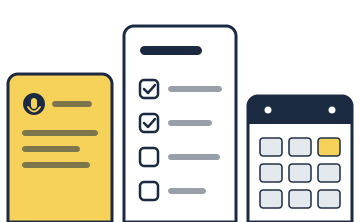
Say it once and everyone in your group sees it: notes, goals, tasks and a shared calendar, filled in by voice in English or Greek.
Coming soon for Android first, iOS later.
What it does
Dictate instead of typing
Tap the microphone on any field to speak a note, goal, task or event in English or Greek.
One shared calendar
See when colleagues are free without asking. By default they see a Busy block and nothing more.
A space for each topic
Keep the goals, tasks and events for a client, project or subject together, and share each space only with the people who need it.
Goals you can follow
Set start and end dates, mark progress and see how much is done.
Roles that match your work
Give each person owner, editor or viewer access to a space. Teams of practitioners can let each professional edit only their own goals.
Yours to keep
Work offline and sync later. Export your data or delete your account from inside the app.
Who it is for
OnTable starts with practitioners who share clients and schedules with colleagues: therapists, coaches, tutors and trainers. It works for any group that plans together.
OnTable is not a clinical record system and gives no medical advice. Use initials or pseudonyms for clients, and keep clinical notes in your own record system.
Free to start
Download OnTable for free and try everything during a free trial. After the trial, a per-user subscription lets you create groups, spaces, goals, tasks and events. The price and renewal terms are shown before you buy.
People you invite always join for free. They can read shared items, update their own availability and complete the tasks assigned to them.
Private by default
Your data is stored in the EU, and colleagues see only what you choose to share. Read the privacy policy and the terms of use, find support, or see how to delete your account.
OnTable is in development and will arrive on Google Play first. Questions before then? Write to support@nimblecompanions.com.